A virtual mailbox that fits small-business mail without office overhead
PostalBridge gives small businesses one real mailing address, online mail visibility, and a cleaner separation between home life and day-to-day operations.
- Real business address
- USPS Form 1583 setup online
- Scans and approvals online
- Forward originals when needed
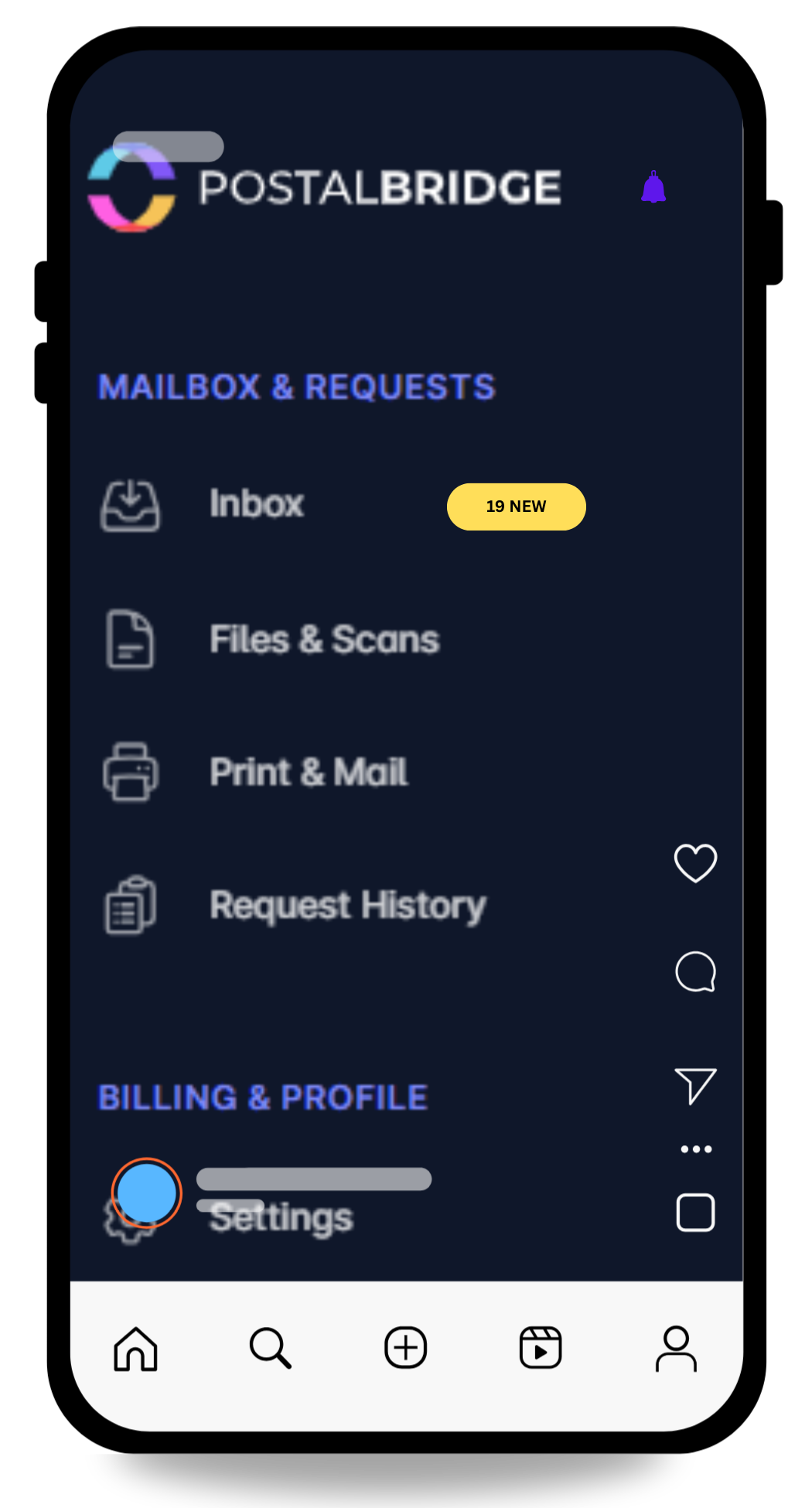
Turn one address into a simpler mail workflow.
View arrivals quickly, request scans only when you need them, and forward originals when timing actually matters.
- See every envelope first so you can decide what gets scanned, forwarded, or left in place.
- Keep your home address off routine forms while real handling stays tied to a staffed partner location.
- Use the same dashboard for notifications, scan requests, forwarding, and history instead of stitching tools together.
Why small businesses use this setup
Small businesses usually want one address that looks professional, keeps mail organized, and does not force the owner to receive everything at home.
Use a business-facing street address from the start
Vendor mail, client correspondence, and account notices can all go to one address built for business mail handling.
Keep your residence out of routine business mail
Many owners want to stop using a home address everywhere business paperwork shows up.
Grow from solo operator to small team without rebuilding mail ops
As the business grows, you can add recipients and keep one shared mail workflow in place.
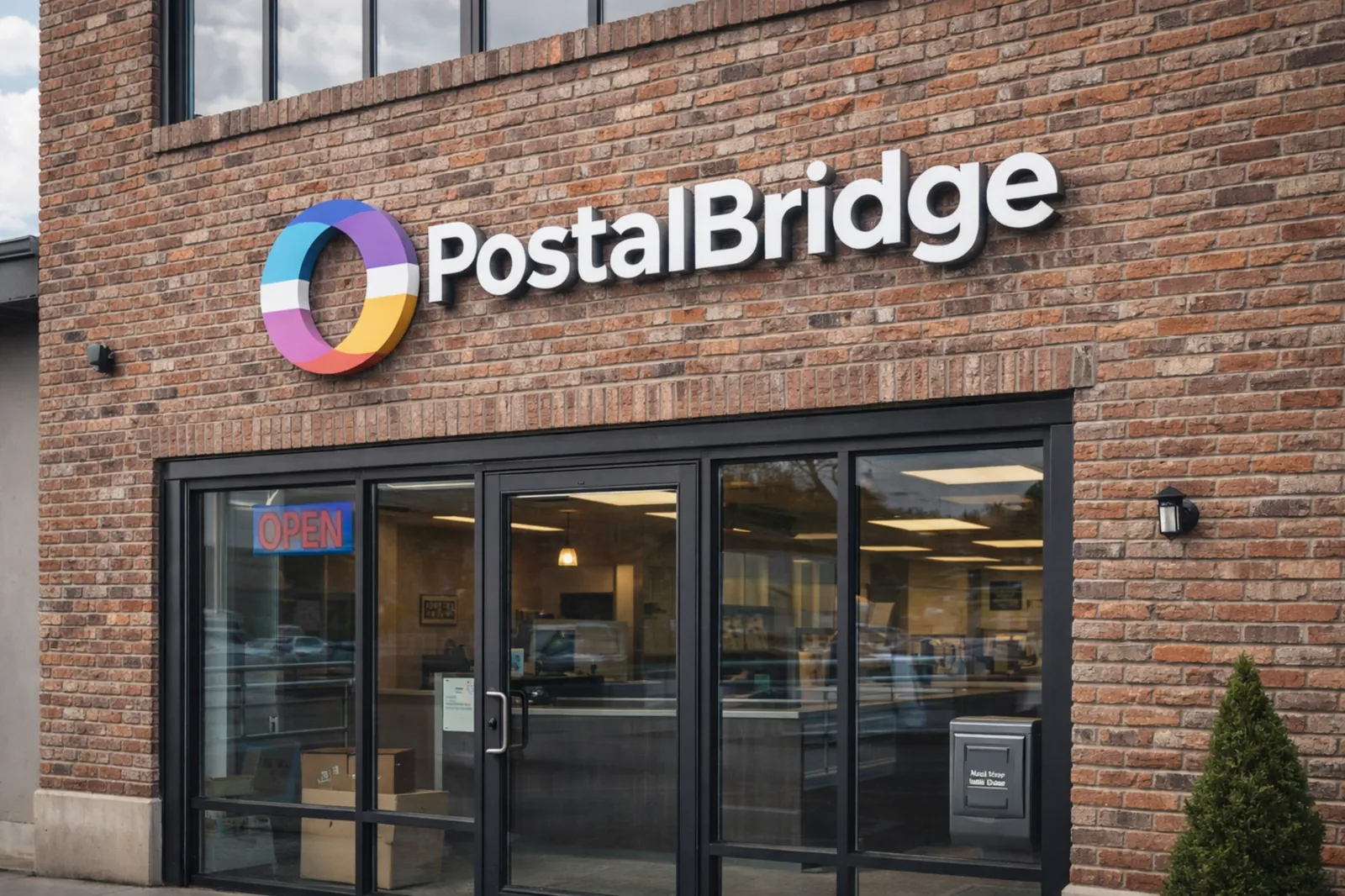
Choose a small-business setup with real mail handling behind it
PostalBridge pairs the digital workflow with a staffed partner mail center, which matters because business mail only works when the address and handling are both credible.
- Compare location pricing, recipient limits, and handling options before you commit.
- Keep envelope review, scan requests, forwarding, and history in one account.
- Use a real street address instead of making a home address do every job at once.
How this use case works
Choose the location that fits the workflow, complete USPS verification, and manage incoming mail online instead of tying everything to one fixed address.
Choose a location
Review live locations, plan limits, and handling options before choosing the address you will rely on.
Complete USPS verification
Finish Form 1583 and upload the required documents so the mail center can receive mail on your behalf.
Handle mail online
Review envelopes, request scans, forward originals, and keep the workflow moving from wherever you are.
Small-business workflows this page is built for
These are the small-business situations where a virtual mailbox is usually the clearest fit.
Client and vendor mail
Keep contracts, invoices, renewals, and supplier paperwork in one business mailbox instead of spreading them across personal addresses.
Home-based operations
Run the company from home without turning your front door into the public mailing address for the business.
Shared admin workflows
Give an assistant, co-founder, or bookkeeper visibility without routing every document through one person manually.
Scan first, forward later
Review what arrived online and only forward the originals that still matter.
What to confirm before you sign up
A small-business mailbox is usually about operations, privacy, and flexibility. You should still verify the plan and location details that matter to your business.
- Compare recipient limits, mail volume, forwarding options, and add-on pricing by location.
- Check whether local pickup matters for your workflow or whether forwarding alone is enough.
- Confirm any state, banking, or licensing rules that apply to your specific business setup.
- Choose the location whose plan fits how often your business mail actually arrives.
Small-business mailbox FAQ
Practical answers for owners comparing small-business mailbox options.