A virtual mailbox for content creators who need privacy and a business-facing address
PostalBridge helps creators manage brand correspondence, contracts, fan mail, and routine business documents without putting a residence at the center of the workflow.
- Professional creator mailing address
- Keep home address private
- Brand mail and contracts online
- Forward mail when needed
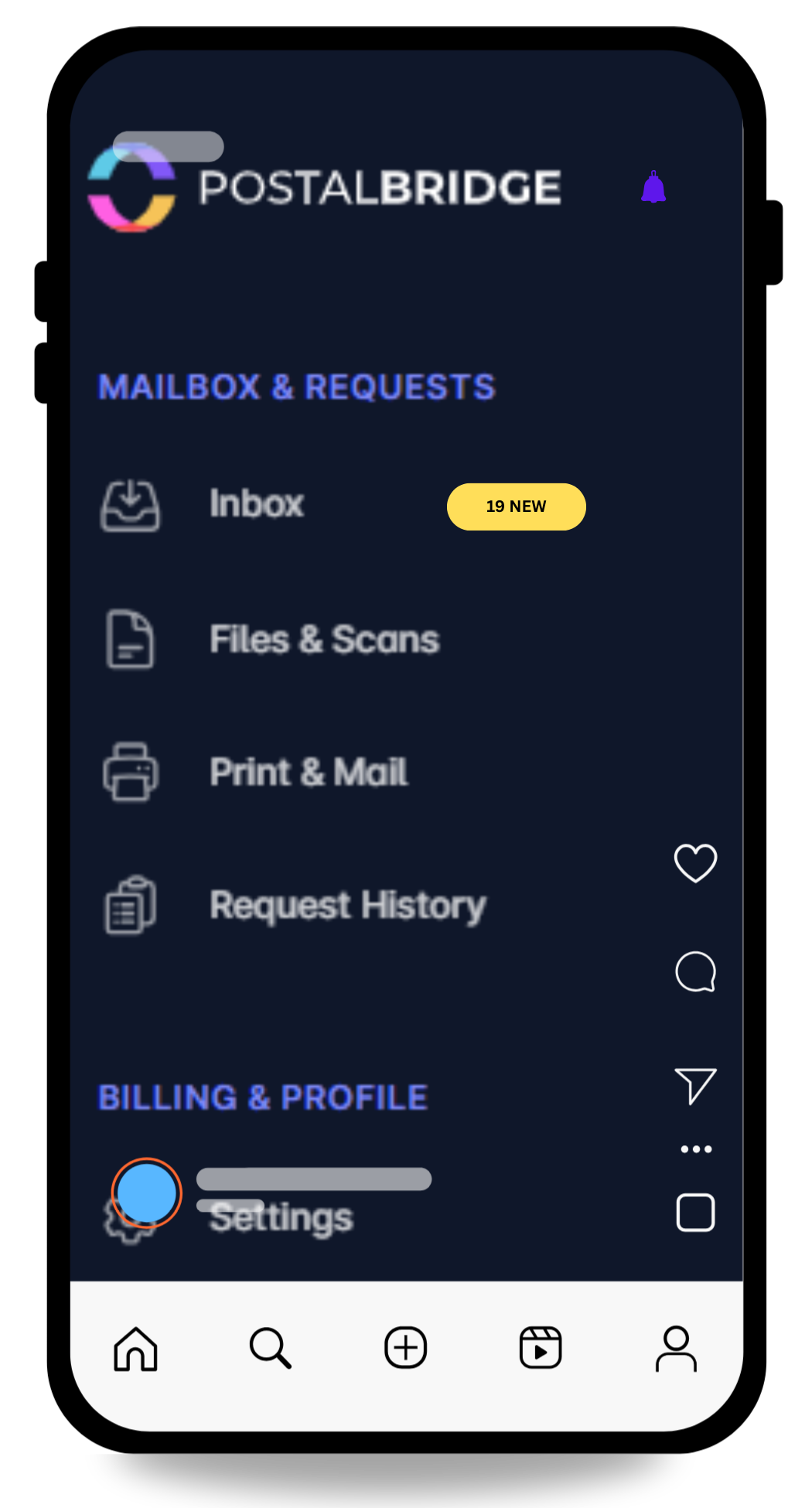
Turn one address into a simpler mail workflow.
View arrivals quickly, request scans only when you need them, and forward originals when timing actually matters.
- See every envelope first so you can decide what gets scanned, forwarded, or left in place.
- Keep your home address off routine forms while real handling stays tied to a staffed partner location.
- Use the same dashboard for notifications, scan requests, forwarding, and history instead of stitching tools together.
Why content creators use this setup
Creators often need a more public-facing mailing address than most businesses, which makes privacy and workflow quality matter even more.
Use a creator-friendly mailing address for business communication
That helps with brand outreach, agency relationships, and other business mail that should not point at a residence.
Reduce how often your home address needs to appear in public-facing workflows
For creators, audience visibility can make privacy concerns more acute than they are for an ordinary small business.
Let a manager or assistant help manage incoming mail
Higher-tier plans can support shared visibility when the business is no longer a one-person operation.
Creators need a mailbox that supports both privacy and operations
PostalBridge pairs a real street address with the online tools needed to keep creator business mail visible, organized, and easier to delegate.
- Use one professional mailing address for brand, agency, and routine business correspondence.
- Review envelopes and request scans online instead of sending everything straight home.
- Compare location plans and package policies before choosing the address you publish anywhere.
How this use case works
Choose the location that fits the workflow, complete USPS verification, and manage incoming mail online instead of tying everything to one fixed address.
Choose a location
Review live locations, plan limits, and handling options before choosing the address you will rely on.
Complete USPS verification
Finish Form 1583 and upload the required documents so the mail center can receive mail on your behalf.
Handle mail online
Review envelopes, request scans, forward originals, and keep the workflow moving from wherever you are.
Creator mailbox workflows this page covers
These are the common reasons creators and talent teams look for a dedicated mailbox address.
Brand contracts and campaign mail
Keep agreements, statements, and campaign correspondence in a business mailbox you can review online.
Fan mail and package-aware workflows
Use the mailbox for creator mail while checking location-specific package support before relying on it heavily.
Tax and payment paperwork
Keep financial documents separate from household mail and easier to track over time.
Manager or assistant visibility
Give the right people access to the workflow without forcing every piece of mail through one person manually.
What to review before choosing a creator mailbox
Creators usually care about privacy first, but package policies and shared access can matter just as much in practice.
- Compare package receiving, storage, and forwarding support by location before publishing the address anywhere.
- Check user and recipient limits if a manager, assistant, or team member will help manage the mailbox.
- Use scan requests to reduce how often paper needs to move physically.
- Choose the address based on the real mail and package workflow you expect, not a generic branding idea.
Creator mailbox FAQ
Short answers to the questions creators and talent teams ask first.