A virtual mailbox for e-commerce businesses that do not run from one storefront
PostalBridge helps online sellers keep vendor mail, marketplace notices, tax documents, and business correspondence tied to one stable address.
- Stable store mailing address
- Vendor and marketplace mail
- Online scans and tracking
- Forward originals when needed
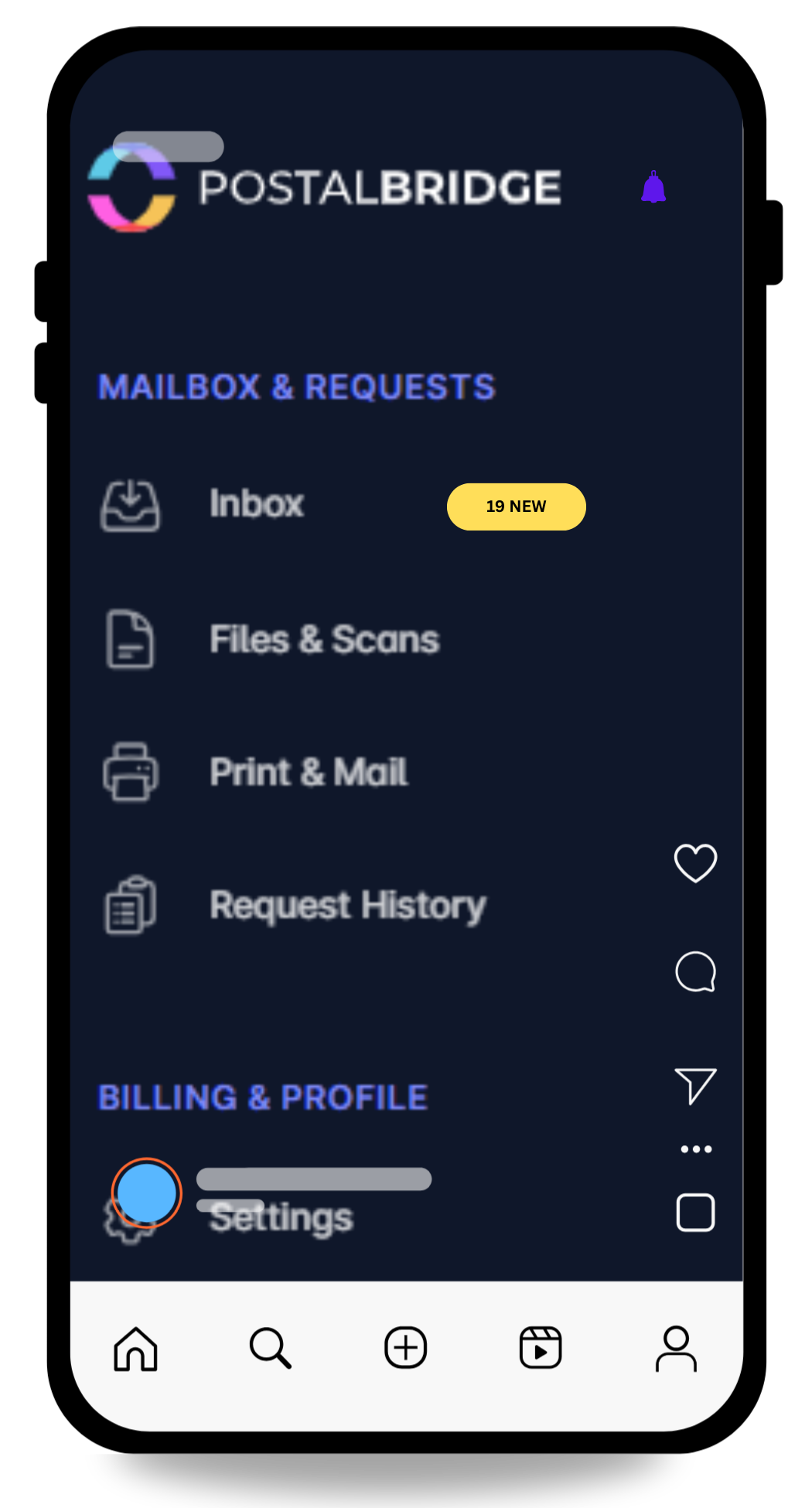
Turn one address into a simpler mail workflow.
View arrivals quickly, request scans only when you need them, and forward originals when timing actually matters.
- See every envelope first so you can decide what gets scanned, forwarded, or left in place.
- Keep your home address off routine forms while real handling stays tied to a staffed partner location.
- Use the same dashboard for notifications, scan requests, forwarding, and history instead of stitching tools together.
Why e-commerce teams use this setup
Online stores often have distributed operations, but they still need one dependable address for business paperwork and incoming mail.
Keep marketplace, vendor, and tax mail in one place
A digital mailbox gives the business one consistent receiving point even when operations span platforms and vendors.
Review documents before forwarding originals
Scan requests help you read urgent paperwork first instead of forwarding every piece by default.
Run the inbox from anywhere your business operates
That matters when customer support, fulfillment, and ownership are not all sitting in the same place.
Your store address should be backed by a real workflow
PostalBridge ties the online mailbox to a real partner mail center, which is what makes scan requests, forwarding, and day-to-day handling reliable.
- Use one business-facing address for routine incoming mail instead of a founder home address.
- Keep shipment history and mail actions visible in one account for the team.
- Compare location-specific handling before choosing the address your store will rely on.
How this use case works
Choose the location that fits the workflow, complete USPS verification, and manage incoming mail online instead of tying everything to one fixed address.
Choose a location
Review live locations, plan limits, and handling options before choosing the address you will rely on.
Complete USPS verification
Finish Form 1583 and upload the required documents so the mail center can receive mail on your behalf.
Handle mail online
Review envelopes, request scans, forward originals, and keep the workflow moving from wherever you are.
What matters most for e-commerce mail
These are the mailbox workflows online sellers usually care about first.
Marketplace and compliance notices
Keep platform letters, account notices, and tax documents in a monitored business mailbox.
Vendor correspondence
Route supplier mail, terms updates, and account paperwork to one consistent address.
Returns-related mail workflows
Use the mailbox for the paperwork side of returns and receiving while checking package support by location.
Shared operational visibility
Let the right people review incoming mail without forwarding every message or scan manually.
What to review before choosing an address
E-commerce businesses usually need the address to fit both mail handling and operational flexibility.
- Check package receiving, forwarding, and storage terms for the location you are considering.
- Compare plan limits for mail items, recipients, and users if multiple team members will help manage the inbox.
- Use scan requests for urgent paperwork so you do not ship paper you only needed to read once.
- Choose a location whose handling terms fit how often the store receives physical mail or packages.
E-commerce mailbox FAQ
Answers to the questions online sellers usually ask first.