A virtual mailbox for remote workers who need one reliable mailing address
PostalBridge helps remote and hybrid workers keep important mail visible online without tying everything to one current home or office location.
- Stable mailing address
- Useful for hybrid work
- Read important mail online
- Forward originals as needed
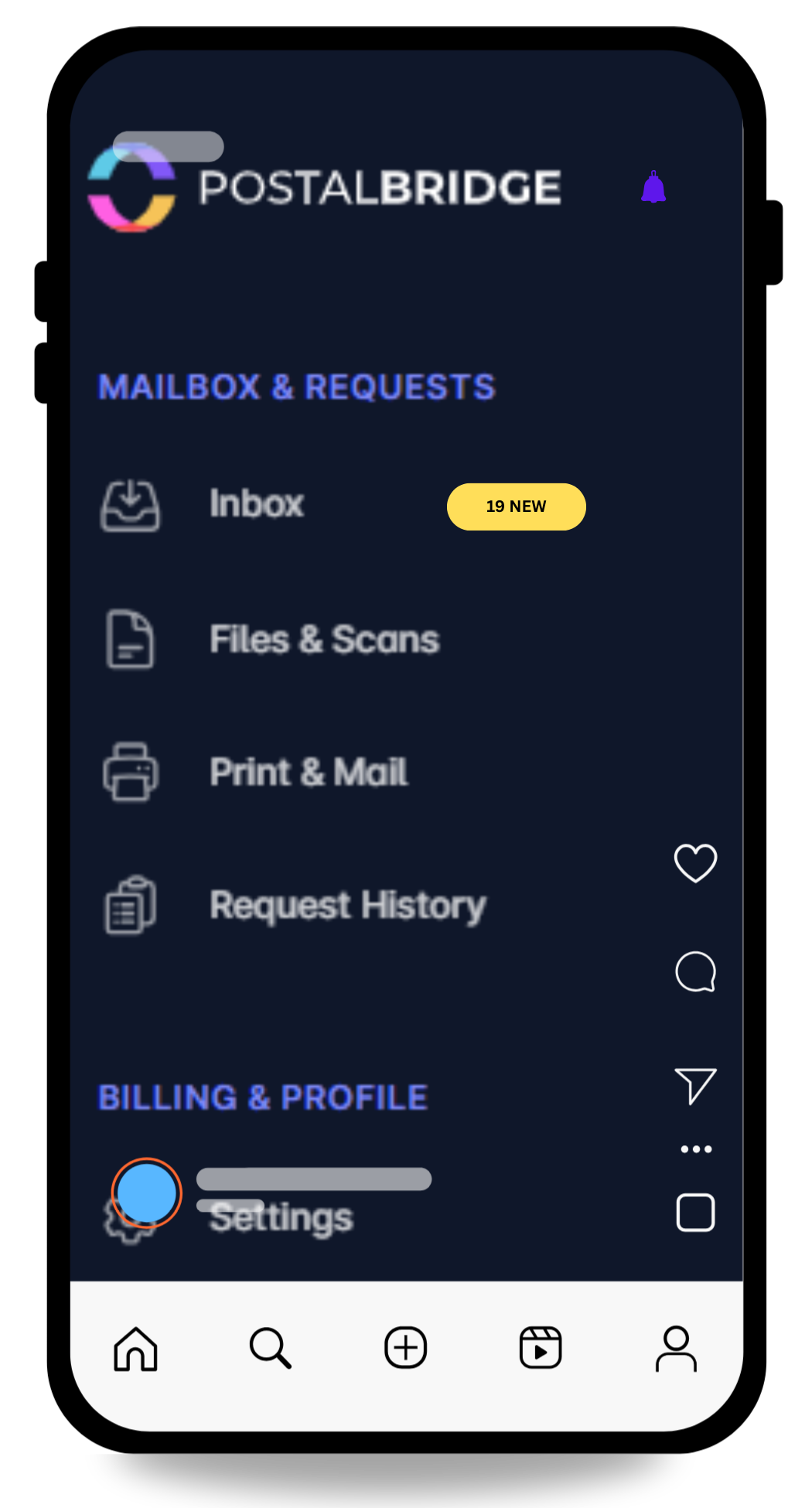
Turn one address into a simpler mail workflow.
View arrivals quickly, request scans only when you need them, and forward originals when timing actually matters.
- See every envelope first so you can decide what gets scanned, forwarded, or left in place.
- Keep your home address off routine forms while real handling stays tied to a staffed partner location.
- Use the same dashboard for notifications, scan requests, forwarding, and history instead of stitching tools together.
Why remote workers use this setup
Remote work changes where you are, but it does not stop important mail from arriving. A good mailbox workflow keeps up with that reality.
Keep one address even if your work setup changes often
That is useful for hybrid schedules, coworking days, and periods where your home base is shifting.
Review time-sensitive paperwork without waiting for paper to catch up
Scan requests help when you need to read something now and decide whether the original still matters.
Reduce how often your current home address has to do every job
That matters if your address changes, your lease is temporary, or you simply want a more stable mail workflow.
A stable mailing address is more useful when the workflow is visible
PostalBridge pairs the mailbox address with online mail management so remote workers can keep up with incoming mail without being physically present every day.
- See incoming envelopes online before deciding what to scan or forward.
- Keep one address in place while your work location or travel schedule changes.
- Use real partner mail center handling instead of relying on ad hoc mail pickup from home.
How this use case works
Choose the location that fits the workflow, complete USPS verification, and manage incoming mail online instead of tying everything to one fixed address.
Choose a location
Review live locations, plan limits, and handling options before choosing the address you will rely on.
Complete USPS verification
Finish Form 1583 and upload the required documents so the mail center can receive mail on your behalf.
Handle mail online
Review envelopes, request scans, forward originals, and keep the workflow moving from wherever you are.
Remote-work mailbox needs this page covers
These are the practical reasons remote workers usually explore a digital mailbox.
Hybrid and remote mail workflows
Keep documents, checks, and business mail from piling up at whichever address happens to be current this month.
Frequent travel
Maintain visibility into incoming mail when you are away from home for work or extended trips.
Forwarding only when it is worth it
Send originals to your current address when you still need them physically.
Mail history in one place
Keep scans, arrivals, and shipment history attached to one account instead of piecing the record together later.
What to check before choosing a remote-work mailbox
The best fit usually depends on how often you travel, how much mail actually arrives, and whether you need forwarding or local pickup.
- Compare scan, forwarding, and pickup options by location before signup.
- Choose a plan that fits your real mail volume rather than guessing high or low.
- Use the service for mail handling and visibility, not as a substitute for a staffed office.
- Check whether recipient or user limits matter if you share the mailbox with a partner or household member.
Remote worker mailbox FAQ
Answers to the questions remote and hybrid workers usually ask first.