Step 1
Choose a startup address
Use a real business mailing address for paperwork, vendors, and operations.
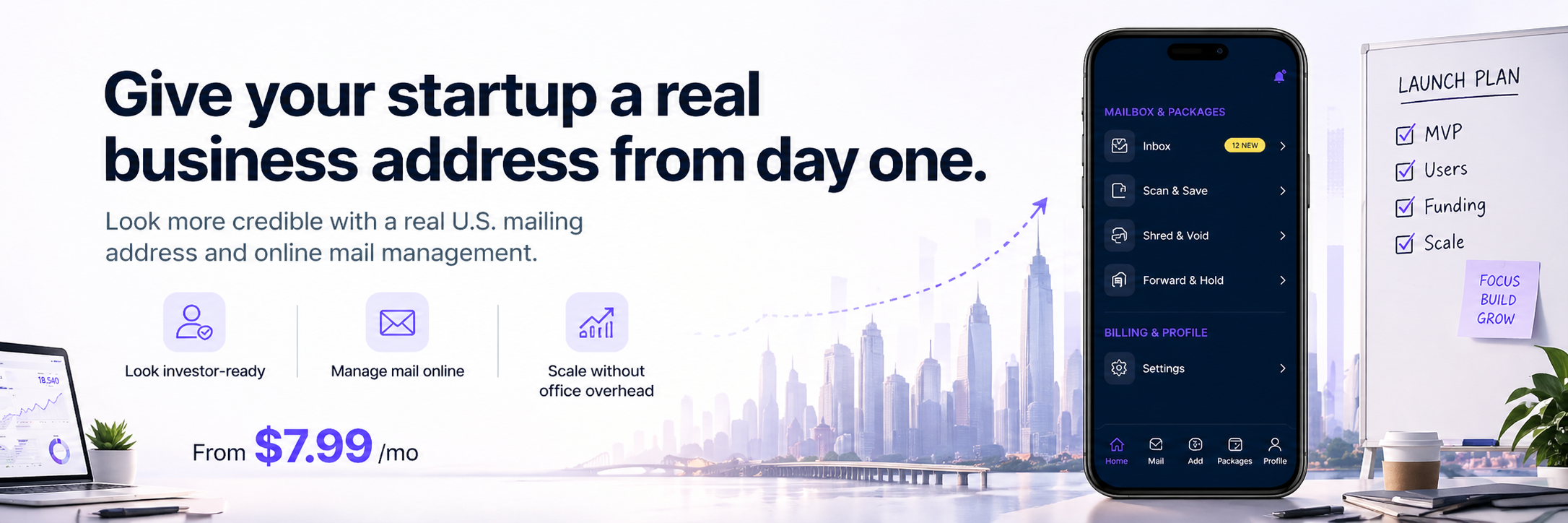
Keep company mail tied to one real street address while the team is remote, the office is flexible, and the business is moving faster than a lease decision.
Give your startup a professional mailing address from day one without office overhead.
Use a real business mailing address for paperwork, vendors, and operations.
Activate your mailbox without needing an office lease.
See incoming startup mail and documents from your dashboard.
Scan, forward, or store mail as your company grows.
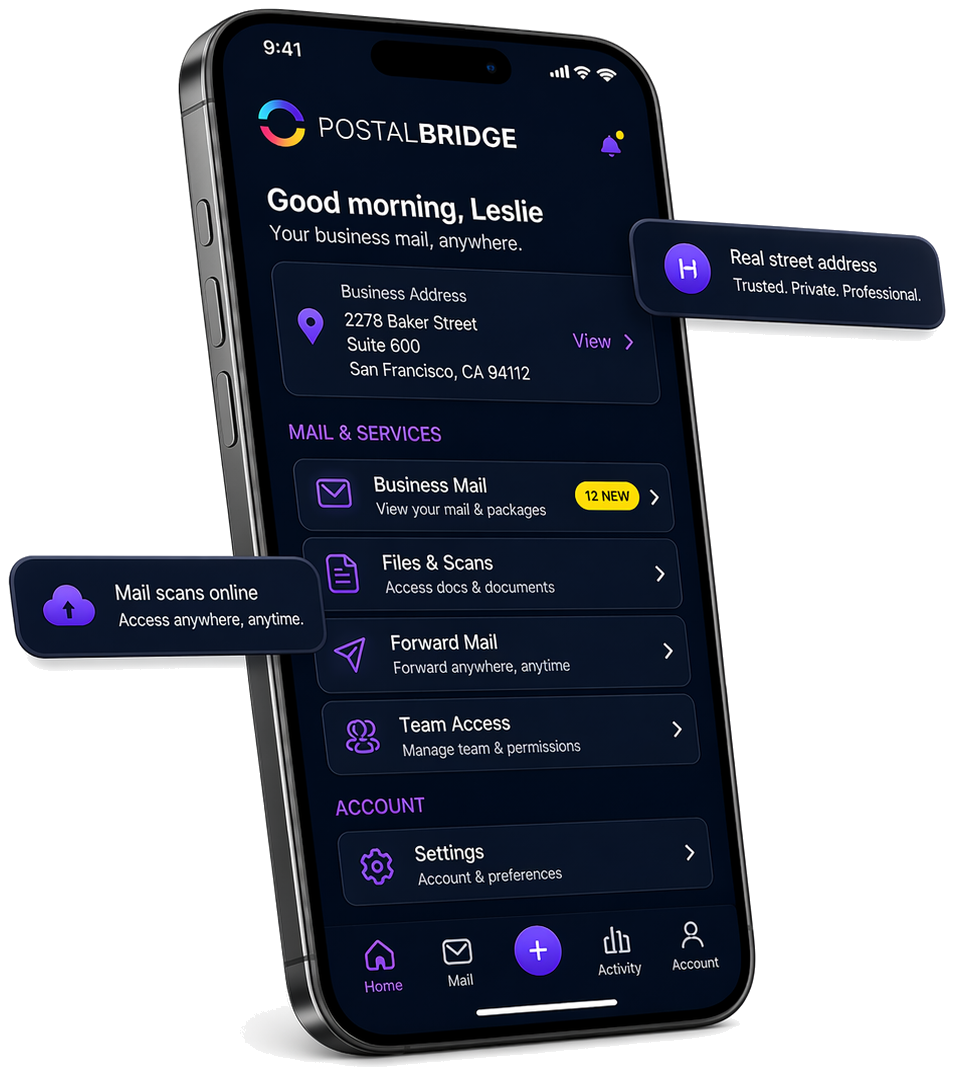
Once your address is active, PostalBridge brings your mail, scans, forwarding requests, and account controls into one place.
Keep your business mailing address front and center without relying on a P.O. Box.
Review arrivals, request scans, forward originals, and manage access from one dashboard.
The screen reflects the actual PostalBridge mailbox flow rather than a generic illustration.
Early-stage companies still receive real mail even when the team works remotely and no one wants to lease space just to catch envelopes.
A startup can keep one mail workflow in place even while the founders, operators, and contractors are distributed.
That reduces the risk of important mail living in one founder apartment mailbox or getting lost across multiple personal addresses.
PostalBridge helps with the mailing-address and mail-handling side of the problem without pretending it is an office replacement.
Compare monthly and yearly plans, recipient limits, and handling options before you choose an address. Final pricing and availability can vary by location.
Start with a lighter plan, then move up only if your mail volume or recipient needs require it.
Choose the billing cadence that fits your budget and signup timing.
Recipient limits, included mail volume, and add-on pricing can vary by location.
Answers to the questions founders usually ask before setting up a company mailbox.