Step 1
Choose a business address
Use a real mailing address that is separate from your residence.
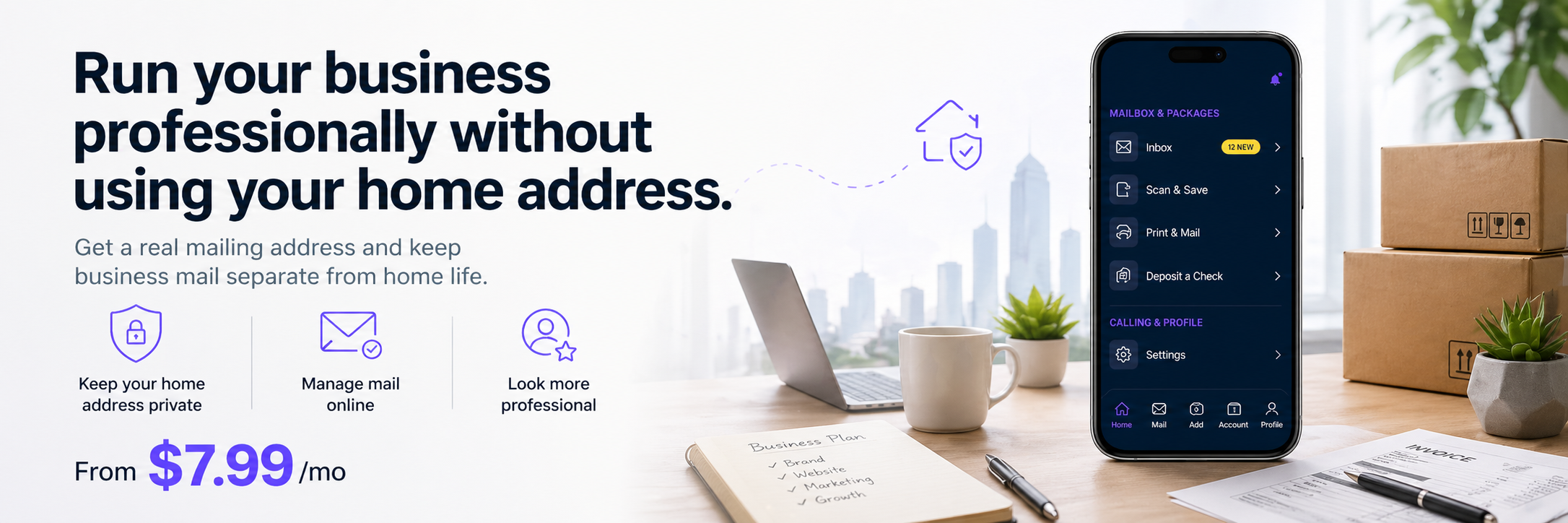
Move business mail off your home address. Use a real street address for customer, vendor, and LLC paperwork while managing mail online through PostalBridge.
Move business mail off your home address and manage customer, vendor, and paperwork mail online.
Use a real mailing address that is separate from your residence.
Finish setup and activate your business mailbox.
See customer, vendor, and paperwork mail online.
Handle important mail without mixing it into home life.
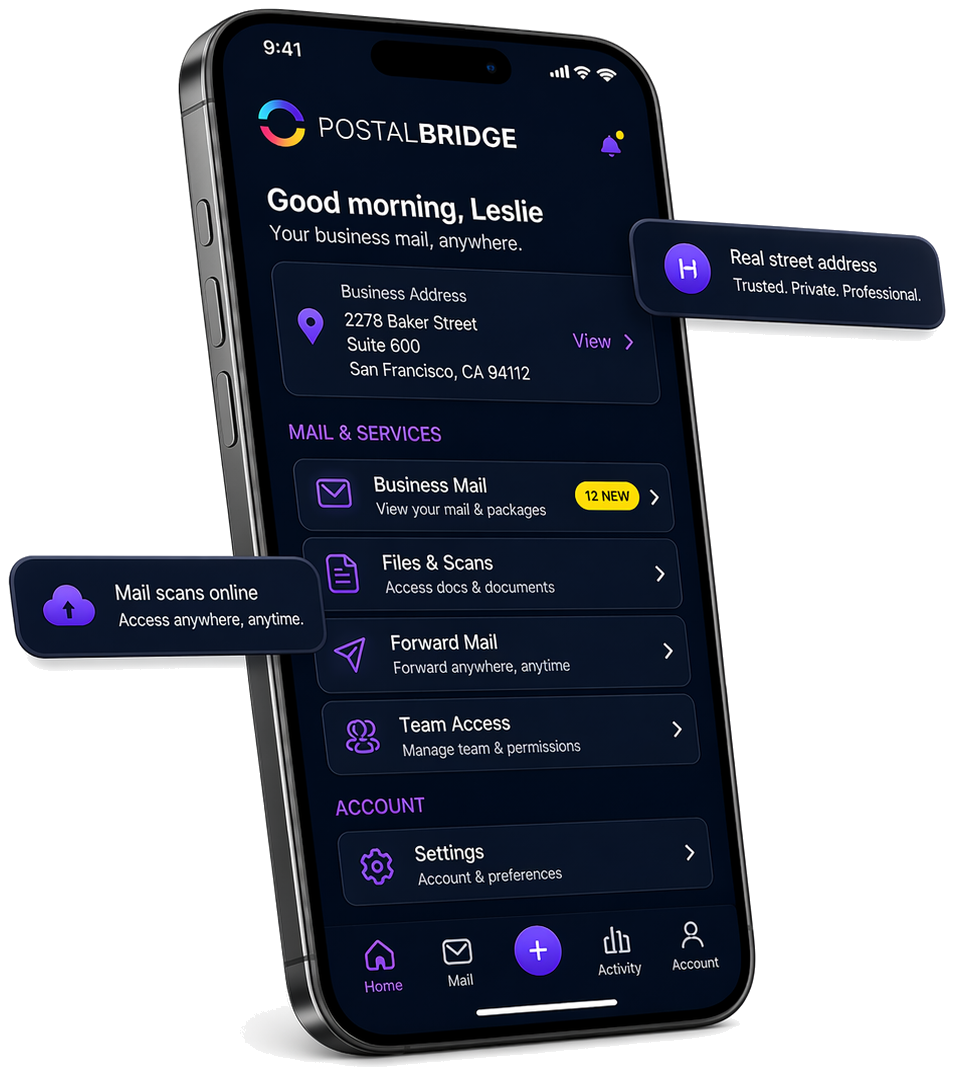
Once your address is active, PostalBridge brings your mail, scans, forwarding requests, and account controls into one place.
Keep your business mailing address front and center without relying on a P.O. Box.
Review arrivals, request scans, forward originals, and manage access from one dashboard.
The screen reflects the actual PostalBridge mailbox flow rather than a generic illustration.
Separate your business mail from home life without adding office overhead.
Use a business mailing address instead of putting your residence on customer and vendor paperwork.
Give customers, vendors, and partners a cleaner business-facing address.
See incoming mail, request scans, and forward important items when needed.
Compare monthly and yearly plans, recipient limits, and handling options before you choose an address. Final pricing and availability can vary by location.
Start with a lighter plan, then move up only if your mail volume or recipient needs require it.
Choose the billing cadence that fits your budget and signup timing.
Recipient limits, included mail volume, and add-on pricing can vary by location.
Short answers to the questions owners usually ask first.