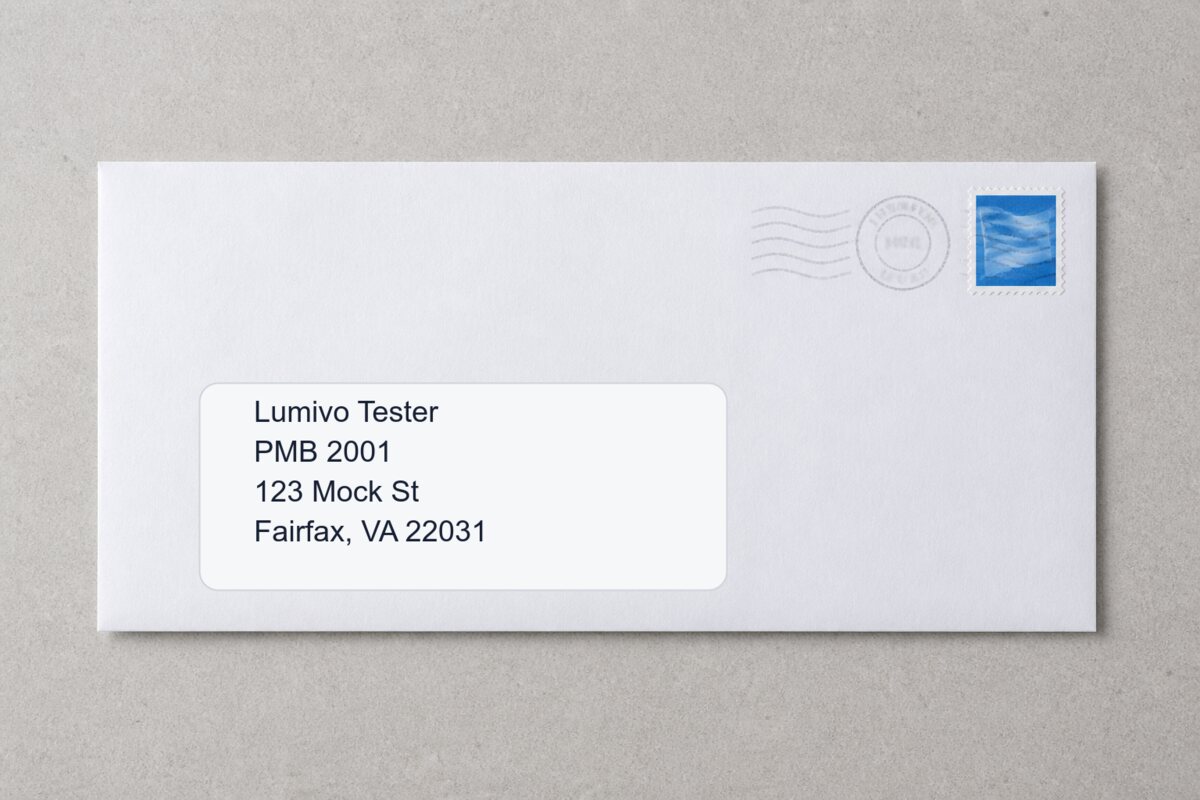
Business mail
Sender recognized
PostScan Mail is an established virtual mailbox with a broad network. PostalBridge makes a different bet: start at $7.99/month, keep setup simple, and make daily mail easier with digests, searchable scans, Mail Rules, scan retakes, and support tied to the location handling your mail.
$7.99
Starting monthly
30 days
Money-back policy
Daily
New-mail digest
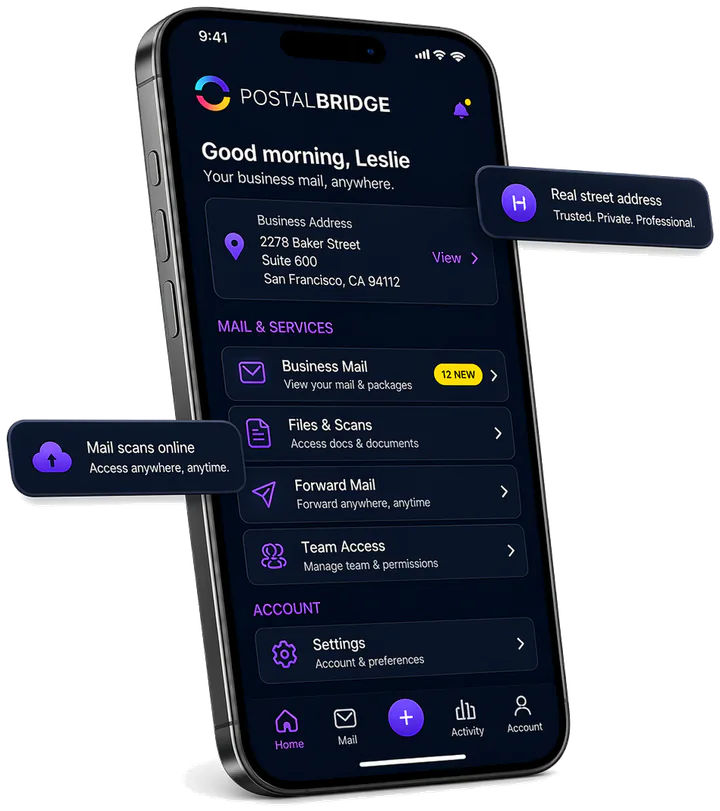
A normal day with PostalBridge
The useful part of a virtual mailbox starts after something arrives. PostalBridge keeps that routine simple instead of making you chase a location by phone or wonder whether a request was received.
Get a compact email summary, then open the mailbox when something needs action.
Search completed scans and use OCR or translation on eligible plans.
Turn recognized sender information into repeatable mail actions instead of making the same choice every time.
See request status and contact the location handling the item if a scan is unclear.
Your PostalBridge daily digest
Three new items arrived yesterday
Business mail
Sender recognized
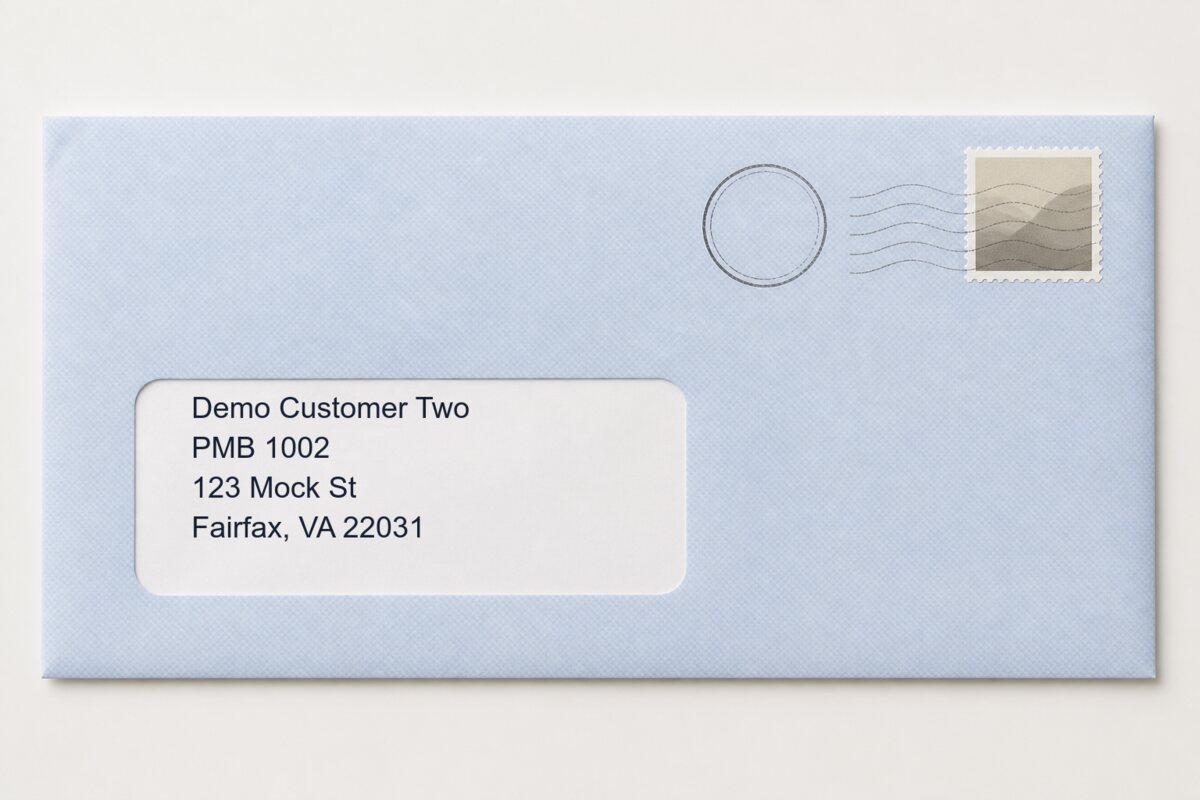
Account notice
Scan available
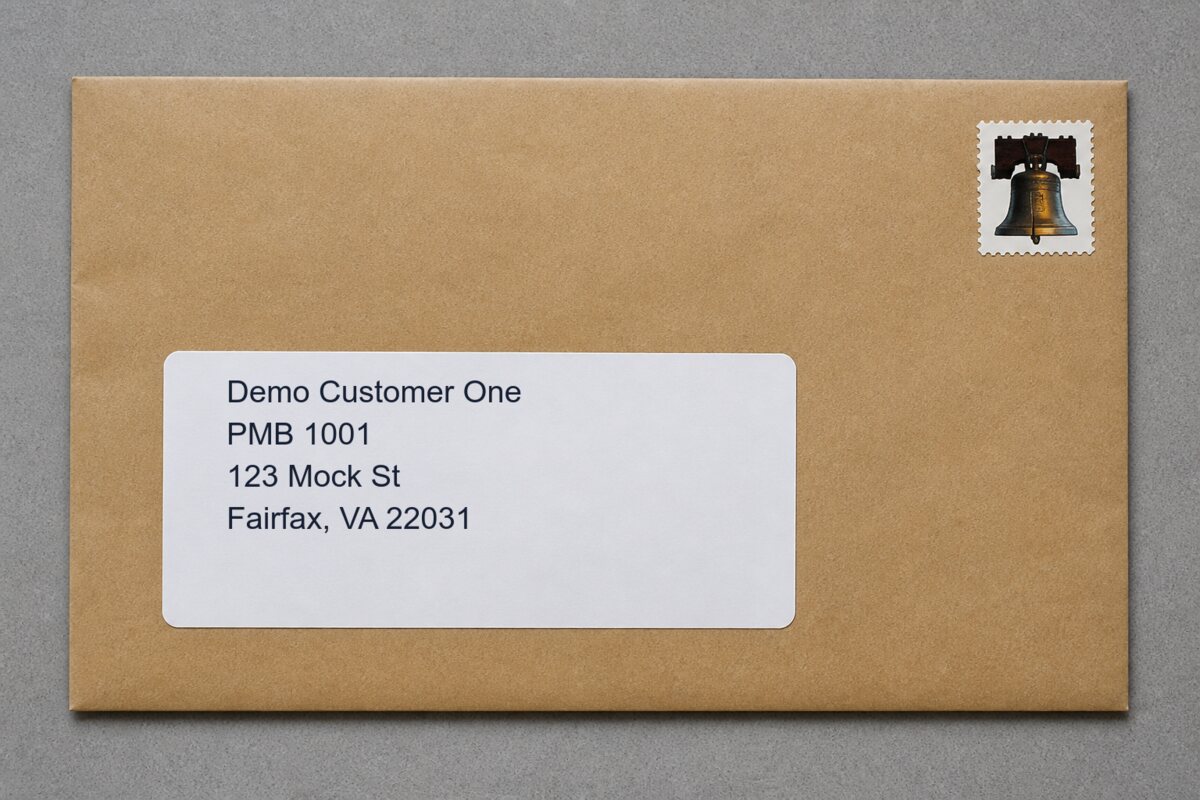
Package notice
Ready for action
Choose PostalBridge when
Choose PostScan Mail when
Side by side
Check the address you need first. Then compare plan limits, mail actions, support, and the total cost of the features you will actually use.
| What matters | PostalBridge | PostScan Mail |
|---|---|---|
| Starting price | Plans start at $7.99/month across participating mail centers with clear included mail item limits, recipient limits, and visible overage details. | Public materials describe plans starting around $10/month. Customers should compare location-specific fees, included services, and optional charges. |
| Platform model | Newer workflow-first platform built around rules-based mail handling, request tracking, support tickets, SLAs, and mail center accountability. | Established virtual mailbox platform with scanning, forwarding, filters, pickup options, shredding, storage, and broad location coverage. |
| Mail automation | Smart Mail recognizes visible sender information, and eligible plans can use Mail Rules to automate recurring scan, notification, forwarding, or pickup decisions. | Offers filters and automated mailbox preferences, with public materials focused on account-level mailbox actions and digital mail management. |
| Daily mail visibility | A daily email digest summarizes newly received mail, while web and mobile access provide current mailbox items and request status. | Provides online mailbox access and notifications, with folders and filters for organizing digital mail. |
| Search and translation | Eligible plans include searchable content scans, OCR, and translation after a scan is completed. | Offers content scanning and digital organization tools; compare search, OCR, and translation needs against the selected plan. |
| Guarantee and phone option | Mailbox plans include a 30-day money-back guarantee under the published policy, and customers can add discounted Business Phone service to an address plan. | Focuses on virtual mailbox plans; compare any separate business-phone requirement before choosing. |
| USPS setup | PostalBridge generates Form 1583 and guides customers through the required USPS mailbox authorization process. | Offers standard virtual mailbox onboarding and authorization workflows. |
| Support with mail centers | Ticket-based support lets customers open issues connected to the mail center handling their mail. | Support may involve both the platform and the local mail handling location depending on the issue. |
| Scan quality issues | Customers can request a retake when an envelope scan is incorrect or unclear. | Mail scanning is available, but scan correction and retake handling may depend on the support and location workflow. |
| Request fulfillment | SLA-backed workflows, request tracking, customer ratings, and performance benchmarking help keep mail handling more accountable. | Provides digital mailbox request tools, but fulfillment experience can depend on location workflow and support process. |
| Best fit | Customers who want lower entry pricing, a newer platform, rules-based automation, guided setup, scan retake options, and accountable mail handling. | Customers who want an established virtual mailbox provider with broad feature coverage and location availability. |
Straight answers
A virtual mailbox is only useful if the location, price, and daily workflow fit you. These are the questions buyers usually ask next.
Yes. Both support virtual mailbox workflows that can include scanning and forwarding, but you should verify the exact fees, included quantities, and location-level availability before choosing.
PostalBridge emphasizes a location-first signup flow, guided mailbox authorization, and clear plan comparison through participating partner mail centers.
No. PostalBridge can fit personal and business workflows, but the customer should still verify whether the exact address works for the organizations and services they plan to use.
You should compare both. The right location, the services offered there, and the related fees matter just as much as the monthly headline price.
No. Customers should verify address-acceptance requirements for banks, states, marketplaces, licensing boards, and any other third party involved in their use case.
See the real participating locations near you, open the plan details, and decide whether PostalBridge fits before starting checkout.
Pricing and feature claims were reviewed against the linked public pages. Recheck the exact location, plan, and current terms before purchasing.