PostalBridge business address for Shopify sellers

A business mailing address for Shopify sellers who do not want to use a home address

Keep store mail, supplier paperwork, invoices, and routine business correspondence on one real street address and manage the workflow online through PostalBridge.

  • Good fit for direct-to-consumer stores
  • Keep your home address private
  • Supplier and billing paperwork
  • Review mail online first

How PostalBridge works for Shopify sellers

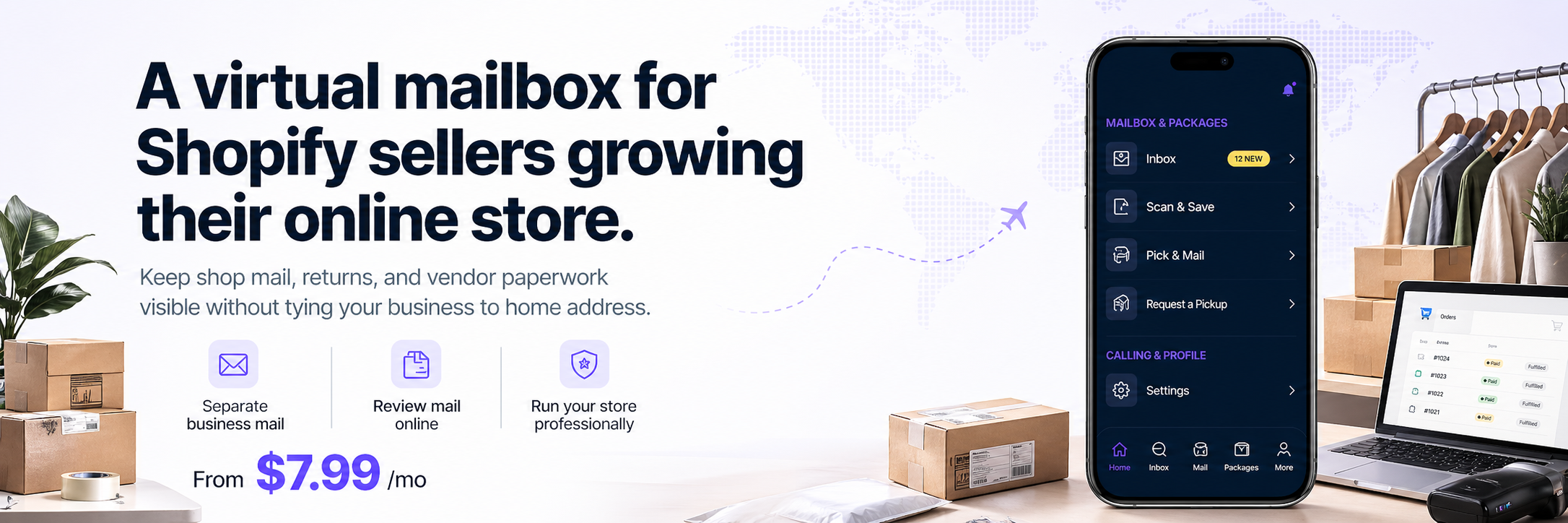
Keep shop mail, returns, and vendor paperwork visible without tying your store to your home address.

Step 1

Choose a store address

Use a business mailing address for shop paperwork and returns.
Step 2

Complete setup online

Finish authorization and activate your mailbox.

Step 3

Review shop mail

See vendor mail, notices, and business documents online.

Step 4

Forward or scan items

Handle important mail while keeping your store organized.
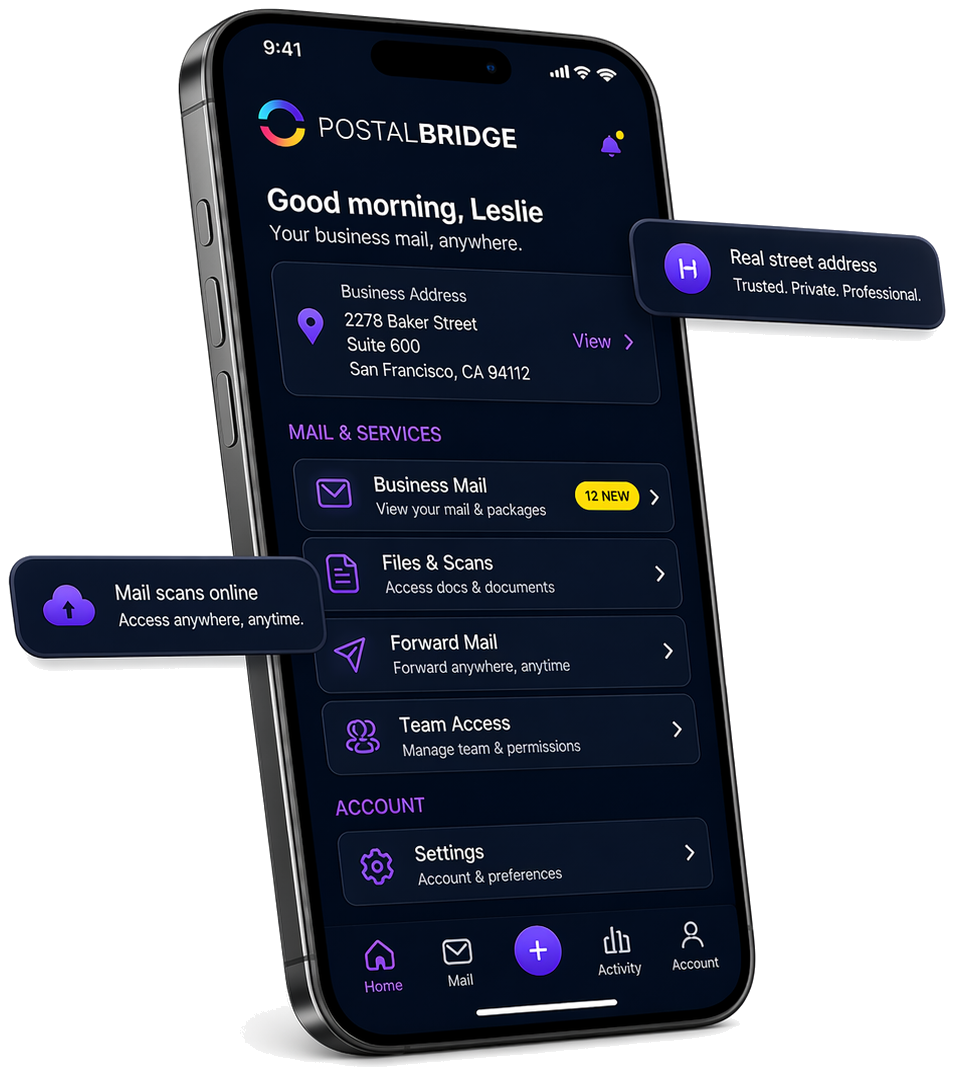
PostalBridge mobile app showing a real street address, business mail, scans, forwarding, and team access

Your virtual mailbox dashboard keeps the next step obvious

Once your address is active, PostalBridge brings your mail, scans, forwarding requests, and account controls into one place.

Real address stays visible

Keep your business mailing address front and center without relying on a P.O. Box.

Mail actions are centralized

Review arrivals, request scans, forward originals, and manage access from one dashboard.

Built around the real product

The screen reflects the actual PostalBridge mailbox flow rather than a generic illustration.

Why Shopify sellers need a separate business address

Independent store owners often run the business from home while working with vendors, apps, payments, and operations that still generate real mail.

Private

Keep your residence off routine store paperwork

A separate business mailing address can keep ordinary supplier, invoice, and account mail from defaulting to your home address.

Organized

Keep store mail in one monitored mailbox

That makes it easier to manage supplier paperwork, billing mail, notices, and other store-related correspondence in one place.

Flexible

Run the mail workflow online while the store operates anywhere

Review arrivals, request scans, and forward originals without tying the workflow to one office or founder residence.

Flexible pricing that fits the way you receive mail

Compare monthly and yearly plans, recipient limits, and handling options before you choose an address. Final pricing and availability can vary by location.

Plans from $7.99/month

Start with a lighter plan, then move up only if your mail volume or recipient needs require it.

Monthly or yearly billing

Choose the billing cadence that fits your budget and signup timing.

Location-specific details matter

Recipient limits, included mail volume, and add-on pricing can vary by location.

Choose a business address that fits the mail side of your Shopify store

Compare live locations, review handling options, and choose a mailing address that keeps supplier and store mail organized without using your home address.

Shopify sellers FAQ

Short answers to the questions store owners usually ask first.

Can I use this for supplier and store paperwork?
Yes. That is one of the clearest reasons Shopify sellers use PostalBridge.
Can this help me stop using my home address for my store?
Yes. Many independent store owners choose PostalBridge so routine business mail does not need to point at a residence address.
Does this automatically replace a returns or fulfillment center?
No. PostalBridge helps with the mailbox and mail-handling side of the workflow. If your store needs physical returns or fulfillment support, review package-handling details at the specific location first.
Is PostalBridge affiliated with Shopify?
No. PostalBridge is an independent business address and virtual mailbox service that can help sellers manage business mail, but it is not affiliated with or endorsed by Shopify.