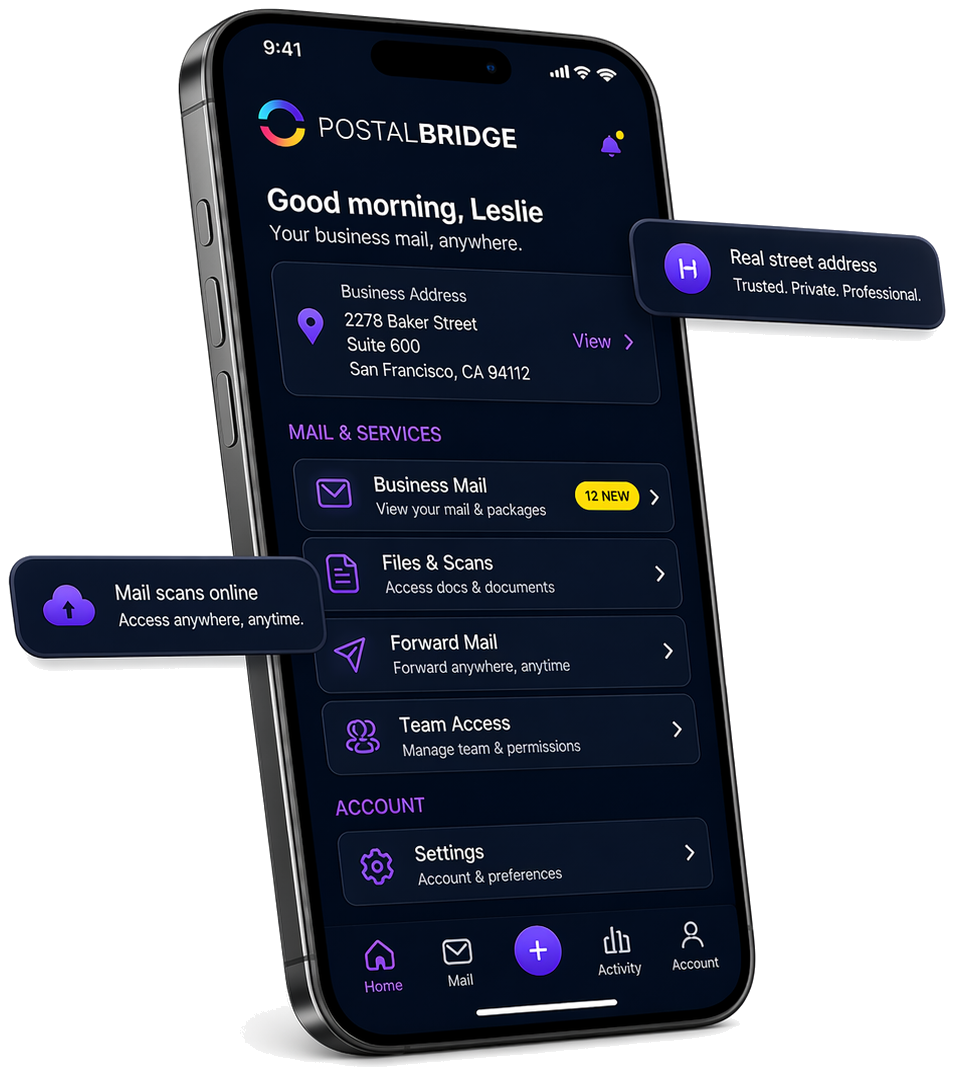
A virtual mailbox for remote workers who need one reliable mailing address

PostalBridge helps remote and hybrid workers keep important mail visible online without tying everything to one current home or office location.
  • Stable mailing address
  • Useful for hybrid work
  • Read important mail online
  • Forward originals as needed
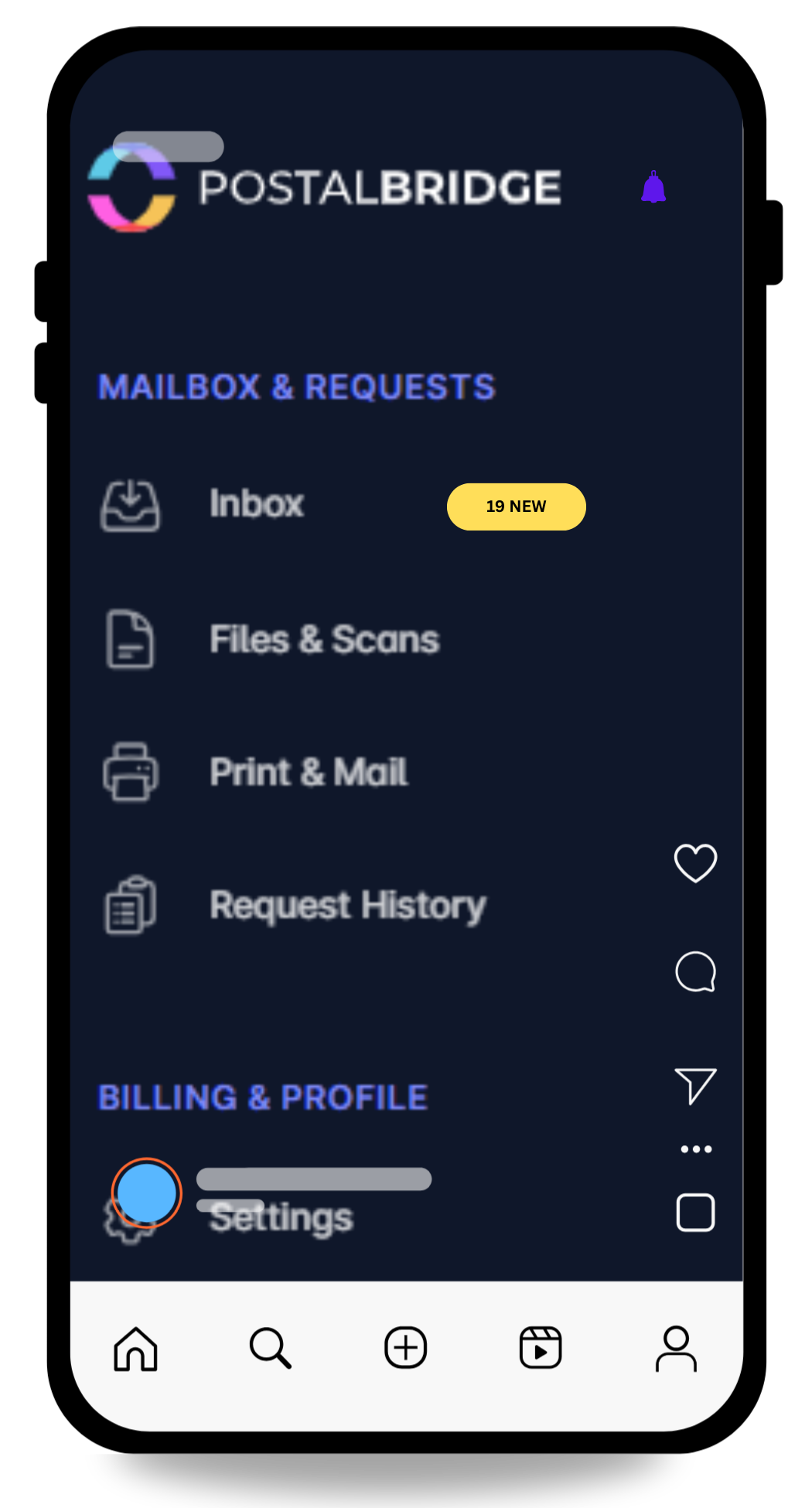
PostalBridge remote worker mailbox workflow preview

Remote work is easier when the mailing workflow is tied to a real location

PostalBridge connects remote workers to authorized partner mail centers that receive mail, support handling requests, and keep important documents accessible even when the workday is happening somewhere else.

Choose one real mailing address, complete mailbox verification once, and stop routing every important document to whichever home office is current this month.

Authorized CMRA partners

Locations are set up to receive mail on behalf of customers.

Reviewed for operational fit

We look for mail centers that can support intake, scans, forwarding, pickup, and recipient handling.

Request handling matters

The mailbox workflow keeps requests, history, and location handling tied together.

PostNet Fort Wayne North
REAL MAIL CENTER

Real partner mail centers power the street address and mail-handling workflow behind your mailbox.

Fort Wayne, IN PostNet Fort Wayne North

How PostalBridge works for remote workers

Keep a stable mailing address and review important mail online while your work setup stays flexible.

Step 1

Choose a stable mailing address

Pick the location and plan that fit how much mail arrives and whether scans, forwarding, or pickup matter to your routine.

Step 2

Complete verification once

Finish USPS Form 1583 and identity checks so the location can receive mail on your behalf.

Step 3

Review and handle mail from anywhere

See envelopes online, request scans for time-sensitive documents, and forward originals only when the paper still matters.

Keep one mailing address even when your work happens from different places.

PostalBridge gives remote and hybrid workers a real mailing address plus online visibility into what arrives, so important mail does not depend on where you happen to be working this week.

You can review time-sensitive items quickly, request scans when needed, and forward originals only when the paper still has to move.

  • Hold onto one stable address while your home base or schedule changes.
  • See work-related documents online instead of waiting until you are back at one mailbox.
  • Keep the workflow more private than using whatever current address is most convenient.

That makes remote work feel less fragile whenever important mail is still part of the job.

Who this works well for

This is usually the right fit when your work is location-flexible but your important mail still needs one dependable home base.

Hybrid and remote professionals

People whose weekly schedule shifts between home, coworking space, client sites, or occasional travel.

Client-facing remote workers

Consultants, recruiters, sales professionals, and contractors who want work correspondence off a residence address.

Workers who travel often

Remote employees and independent professionals who need mail visibility to keep up with paperwork while away from home.

Remote worker mailbox FAQ

Answers to the questions remote and hybrid workers usually ask first.

Can I keep one mailing address if I work hybrid or remote?
Yes. That is one of the clearest reasons remote workers choose PostalBridge.
Does this give me a physical office?
No. It gives you a real mailing address and mail-management workflow, not office space.
Can I manage mail online while traveling?
Yes. You can review envelopes, request scans, and forward originals from your account.
Can this help keep my current home address out of some workflows?
Yes. Many customers choose a real mailbox address so they do not rely on their current residence for every piece of mail.

A quick note on work-address expectations

PostalBridge is useful for privacy and mail handling, but employer, payroll, compliance, or tax rules may still require a separate business or employment address in some cases.

  • Use the mailbox for routine work or business correspondence, then confirm separately whether an employer or state rule requires something more specific.
  • Choose the location based on how often you need scans, forwarding, and a clean separation between work mail and household mail.

Choose a mailbox that stays stable even when your work setup does not

Compare locations, review handling options, and choose a real mailing address that fits remote or hybrid work.