USPS-style daily mail digest
See incoming envelope images in one daily summary so you know what arrived before taking action.
Keep store-business mail, supplier paperwork, notices, and invoices on one real street address and manage incoming mail online through PostalBridge.
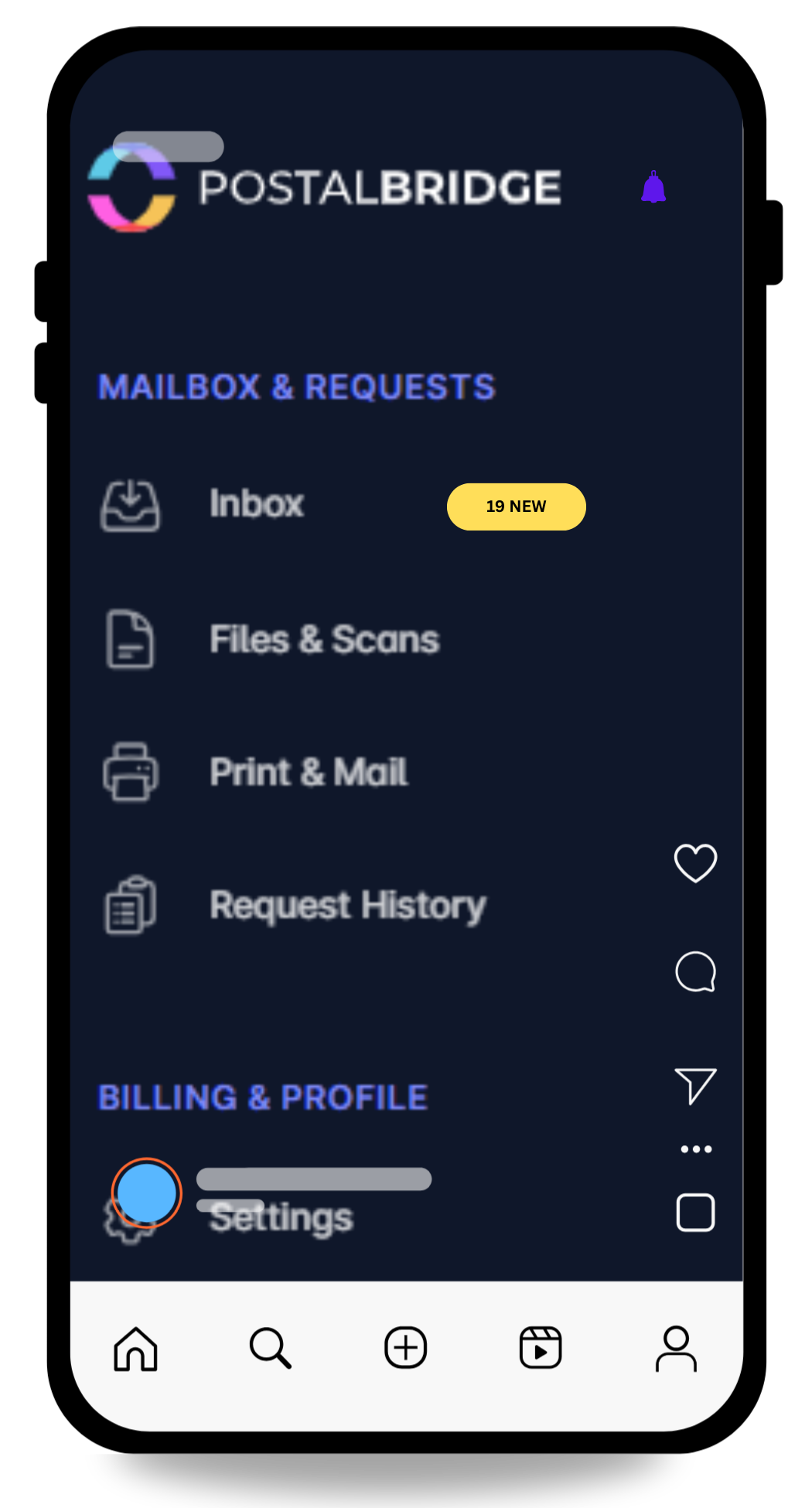
These are the store-mail scenarios this page is meant to support directly.
Keep important business correspondence and routine notices in one monitored mailbox.
Use the mailbox for the mail side of returns and receiving while verifying package support by location first.
Route financial documents to one business-facing address instead of mixing them into household mail.
Reduce how often your residence appears in the ordinary mail flow of your business.
Need regular scanning or shredding?
30-day money-back guarantee
Try PostalBridge risk-free. If it's not the right fit, cancel within 30 days of your successful signup payment and we'll refund your original signup payment, excluding pass-through costs like shipping, deposits, and per-use fees.
Swipe or use the arrows to see every plan
* Postage/shipping billed separately.
Starter plans have lower monthly pricing. Overages and select add-ons are priced 20% higher than Basic and above.
Applies to all plans: 30-day storage included | Free discard on request | 48-business-hour processing SLA | Secure shredding available
Manage seller mail, marketplace paperwork, and returns without using your home address.
Use one business mailing address for your eBay operation.
Finish setup and activate your mailbox.
See marketplace mail, notices, and documents online.
Request scans or forward originals when needed.
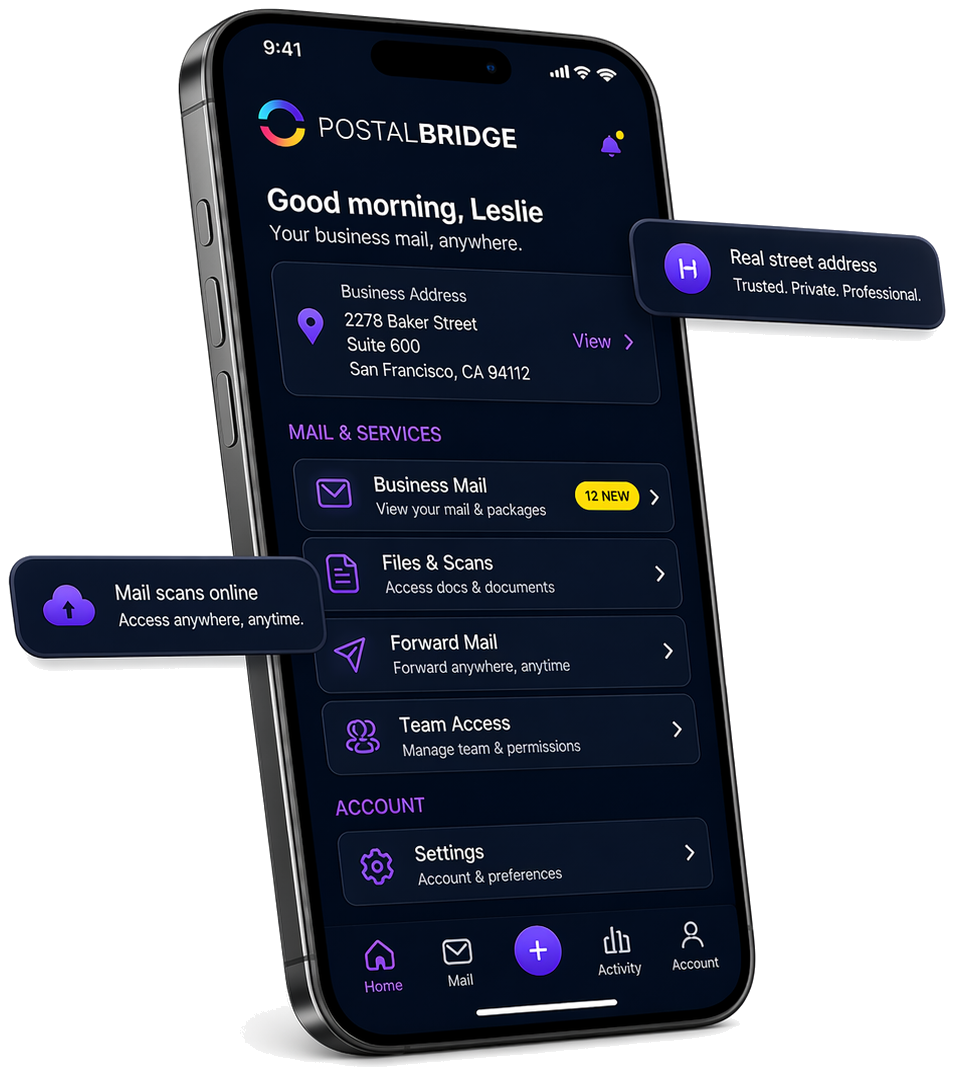
Once your address is active, PostalBridge keeps incoming mail, scan requests, forwarding, and account actions visible in one dashboard so eBay sellers can keep moving without losing context.
A separate business mailing address can help keep invoices, notices, supplier correspondence, and other business mail away from your home address.
That makes it easier to monitor what arrived and decide which pieces need scans or forwarding.
PostalBridge can help keep the mail side of the business consistent even when selling volume, suppliers, and operations change over time.
Direct answers to the questions sellers usually ask first.