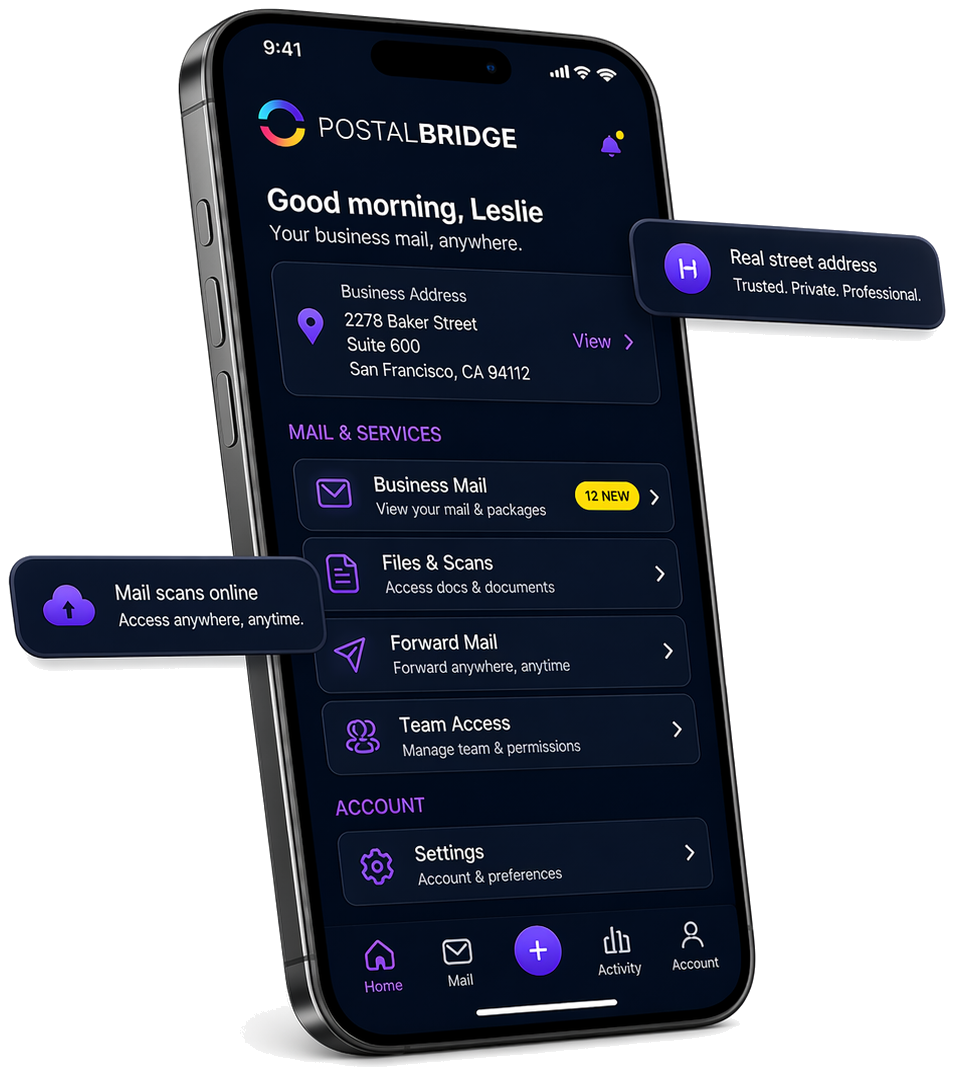
A professional business mailing address for Amazon sellers

Keep your home address private, route supplier paperwork and business mail to one real street address, and manage incoming mail online through PostalBridge.
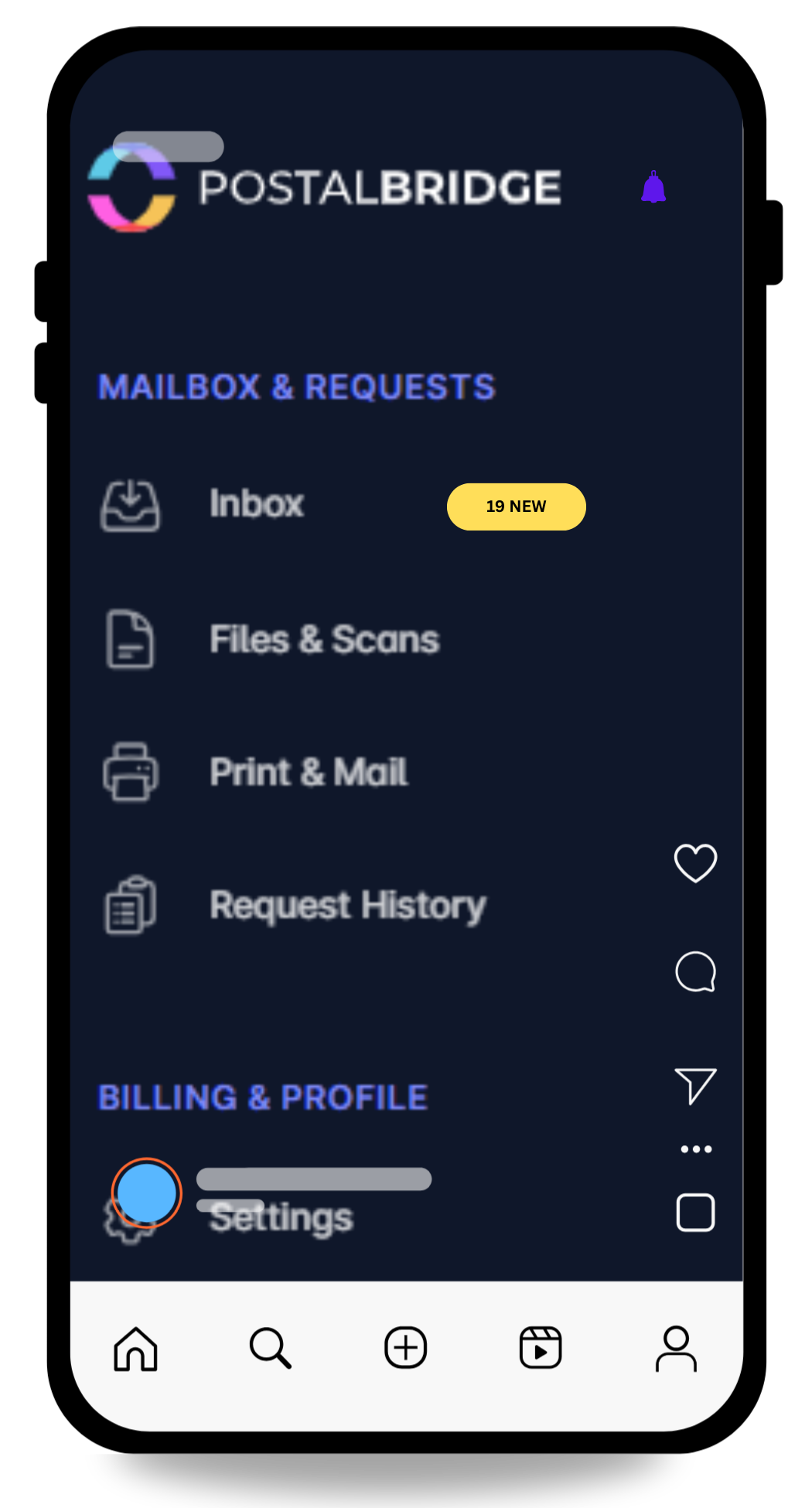
  • Keep your home address private
  • Real street address for business mail
  • Supplier, invoice, and notice handling
  • Review mail online first
PostalBridge business address workflow for Amazon sellers

Home address vs PO box vs UPS mailbox vs PostalBridge

Each option solves a different part of the problem. Amazon sellers usually need privacy, credibility, and actual mail management, not just a place where paper can land.

Authorized CMRA partners

Locations are set up to receive mail on behalf of customers.

Reviewed for operational fit

We look for mail centers that can support intake, scans, forwarding, pickup, and recipient handling.

Request handling matters

The mailbox workflow keeps requests, history, and location handling tied together.

PostNet Fort Wayne North
REAL MAIL CENTER

Real partner mail centers power the street address and mail-handling workflow behind your mailbox.

Fort Wayne, IN PostNet Fort Wayne North

How PostalBridge works for Amazon sellers

Keep seller mail, returns, tax notices, and vendor paperwork organized with a real business address.

Step 1

Choose a business address

Pick the location whose plan, handling options, and mail limits fit the way your seller business actually operates.

Step 2

Complete USPS verification

Finish Form 1583 and submit the required ID documents so the mail center can receive business mail on your behalf.

Step 3

Manage seller mail online

Review arrivals, request scans for invoices or notices, and forward originals only when the physical paper still matters.

How PostalBridge helps sellers manage business mail

PostalBridge gives Amazon sellers one real street address for the business side of mail without turning a home address into the default for everything.

When supplier paperwork, invoices, notices, or other important mail arrives, you can review the envelope online, request scans when the contents matter, and forward originals only when the paper still needs to move.

  • Keep seller correspondence separate from household mail.
  • Give a bookkeeper, operations lead, or partner visibility without routing every document manually.
  • Use one address across supplier relationships, account paperwork, and LLC-facing mail.

That creates a more professional back-office workflow without implying any affiliation with Amazon.

Who this works well for

These are the business-mail scenarios this page is meant to solve directly.

Supplier and vendor paperwork

Route supplier correspondence, account updates, invoices, and terms paperwork to one business-facing address.

Returns-related mail and package notices

Keep the mail side of returns, receiving notices, and operational paperwork separate from household deliveries while checking location package terms first.

Invoices, tax forms, and account notices

Use one monitored mailbox for the documents that usually drive seller deadlines and bookkeeping work.

LLC privacy and business separation

Keep routine seller-business mail off your residence when the business is structured separately from where you live.

What to confirm before you choose an address for your seller business

PostalBridge handles the mail workflow well, but you should still verify any marketplace, banking, state, or carrier rules that apply to your exact setup.

  • Use a business mailing address for supplier paperwork, invoices, and routine correspondence rather than defaulting to your residence.
  • If a marketplace, bank, or filing requires something more specific than a mailing address, verify that requirement separately before relying on any address service.
  • Review location-specific package receiving, forwarding, storage, and scan options if your seller workflow includes physical items as well as mail.
  • Choose the plan based on how often seller notices, vendor mail, and originals actually need human handling.

Amazon sellers FAQ

Short answers to the questions sellers usually ask before moving business mail off a home address.

Should I use my home address for my seller business?
Usually not if your goal is privacy and cleaner mail operations. Many sellers prefer keeping residence details off routine business paperwork and using a separate business mailing address instead.
Can I use a business mailing address for supplier or vendor paperwork?
Yes. That is one of the clearest use cases here. PostalBridge gives you one business-facing address for supplier correspondence, invoices, terms updates, and other routine paperwork.
How do I keep returns, invoices, notices, and business mail separate?
Route the mail side of the business to one dedicated mailbox, review arrivals online, and forward originals only when they still matter physically. For physical return logistics beyond mail and package handling, confirm the location terms first.
What is better for Amazon sellers: a home address, PO box, UPS mailbox, or virtual mailbox?
It depends on what problem you are solving. Home addresses are simple but least private. PO boxes are limited if you want a street address. UPS mailboxes can help with the address format, but a virtual mailbox like PostalBridge adds online visibility, scan requests, and forwarding workflow.
Is PostalBridge affiliated with Amazon?
No. PostalBridge is an independent business address and virtual mailbox service that can help online sellers manage business mail, but it is not affiliated with or endorsed by Amazon.

Get your business address without routing seller mail through your home

Compare live locations, review plan details, and choose a professional mailing address that fits supplier paperwork, invoices, notices, and the day-to-day mail side of your seller business.